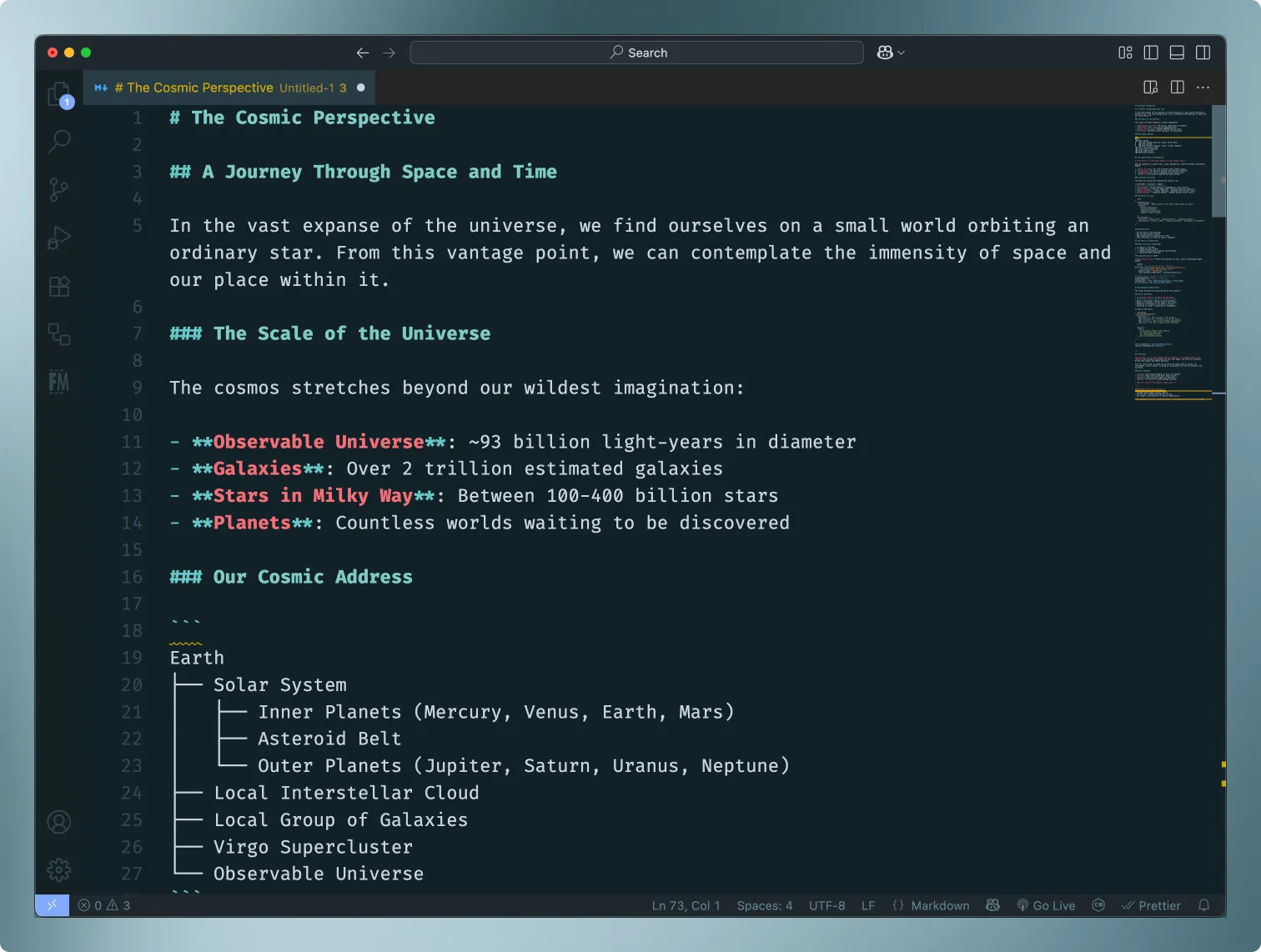
Overview

Unleash the cosmic tentacles of perfectly balanced syntax highlighting!
I am really picky about the themes I use, especially since I use a 42” LG OLED panel as a primary monitor. At times, I would be tempted to use “true black” themes for my OLED since it looked so nice with deep blacks, until I realized how much of a pain in the ass it was to read code and certain bodies of text with sharply contrasting colors against the pure black background.
NOTE: I am planning to release a blog post that helps walk people through the building and packaging (and publishing) a Visual Studio Code theme from beginning to end, as this was a learning journey for me.
The Problem
There were some solid choices that utilized palettes on deep blacks, but I ended up preferring a subtle color background as it seemed to reduce eyestrain, and let’s be honest - OLED tech has come a long way and I own a 65” with over 30,000 hours of runtime and no burn-in, so I’m not that worried.
The Solution
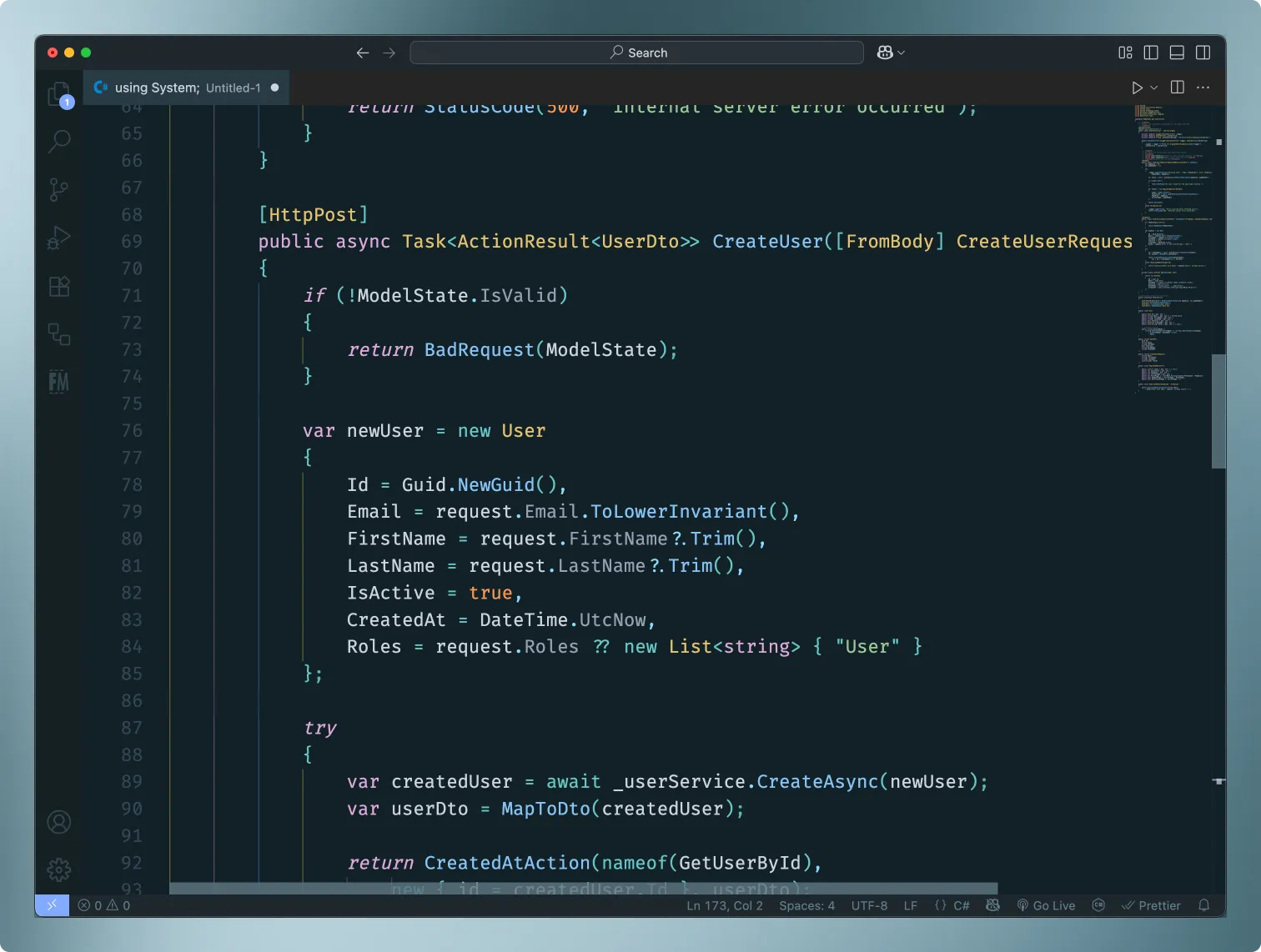
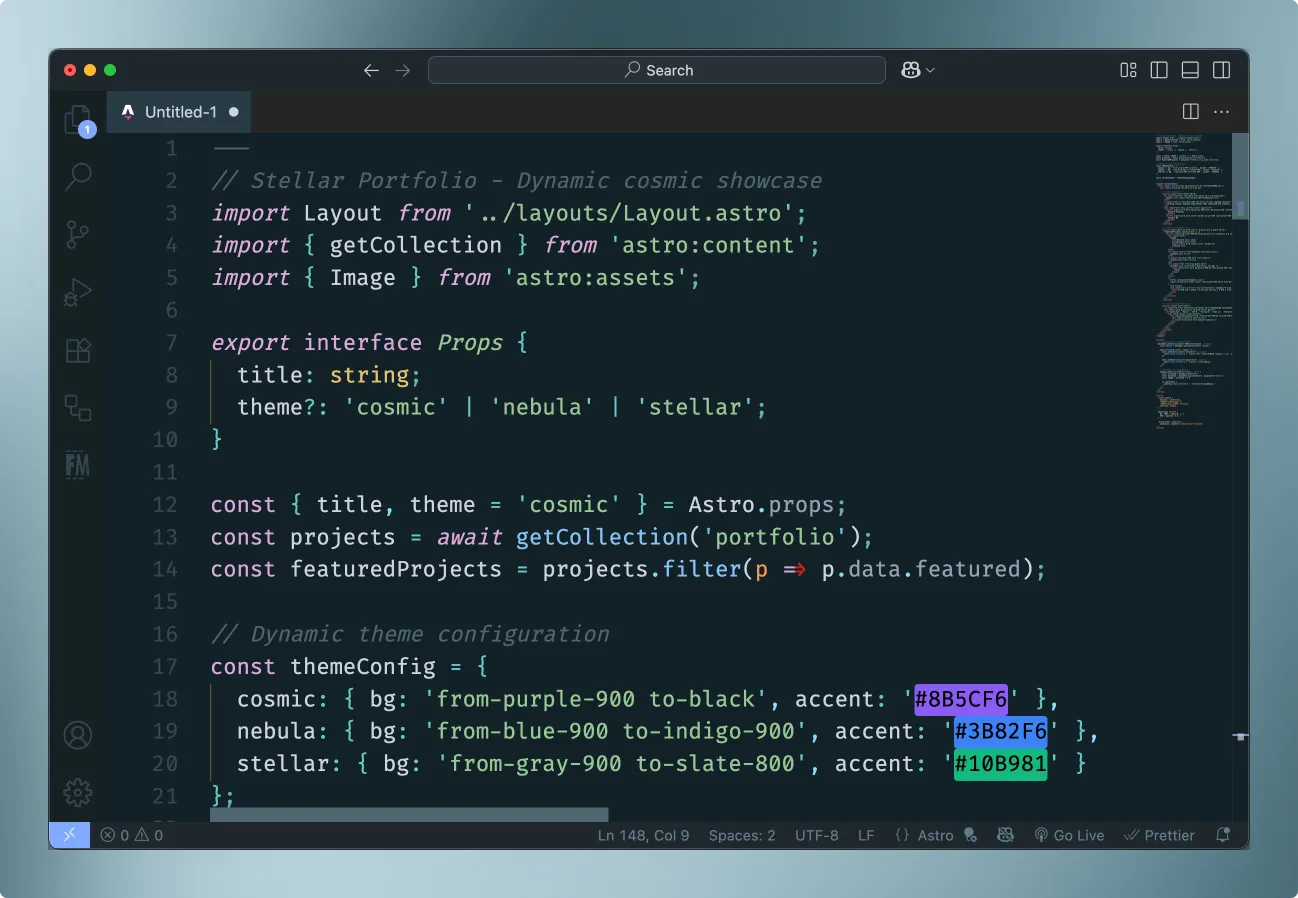
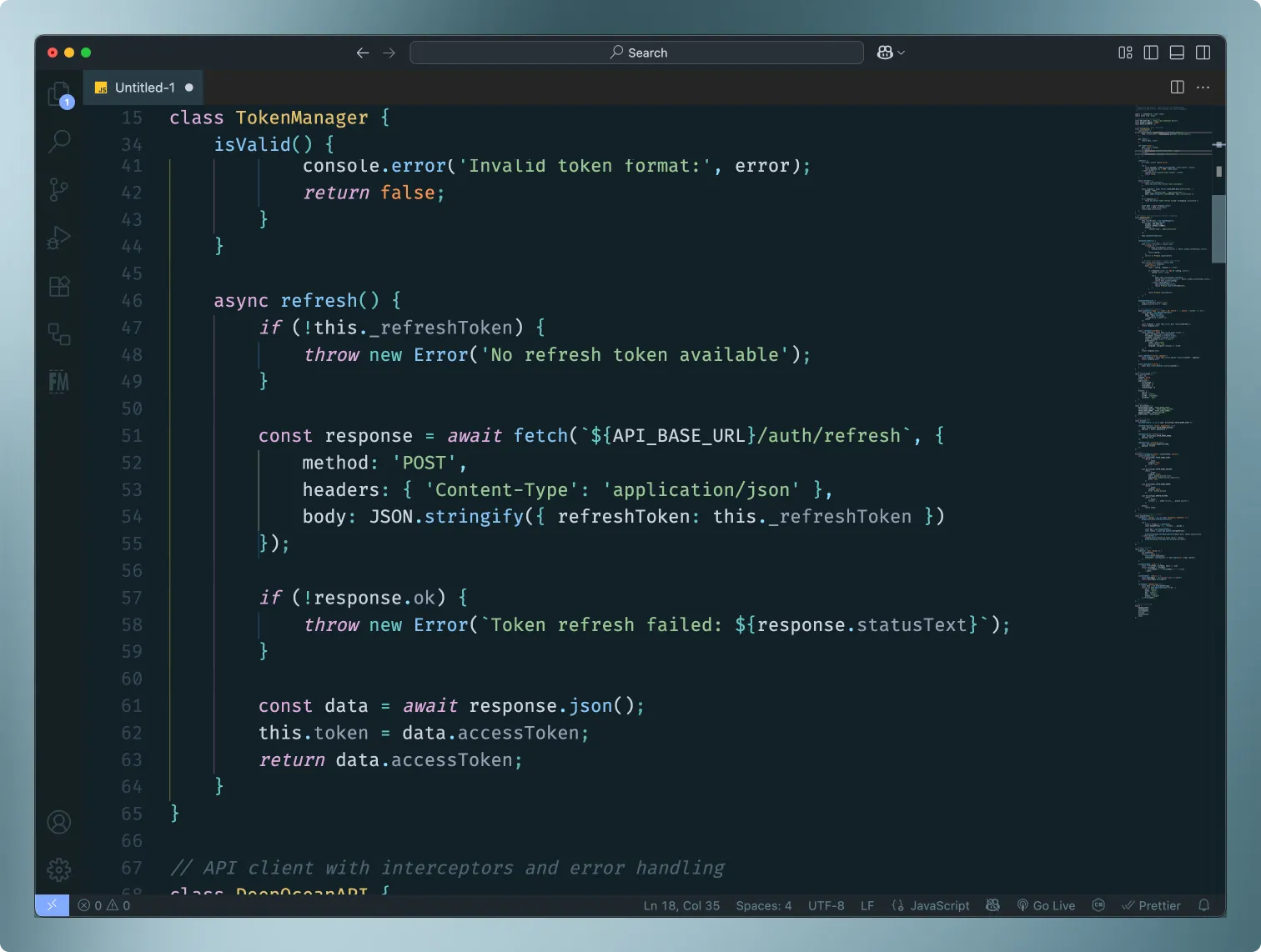
With that said, I decided to pull some colors from the themes that worked best for me and did a lot of color mixing and matching to accomplish a palette that I feel is “calm” to read with my eyes and remains legible at 15% brightness and 100%.
Download
Visit the VSCode Marketplace to try it out!
Screenshots
csharp
astro
javascript
python
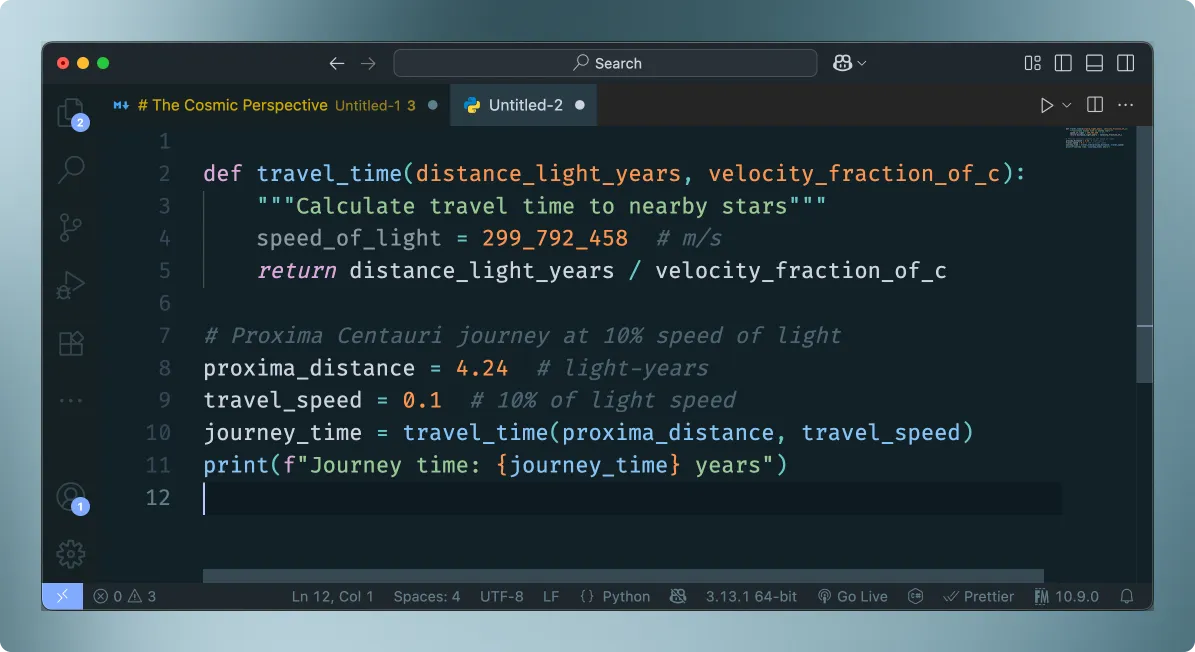
rust
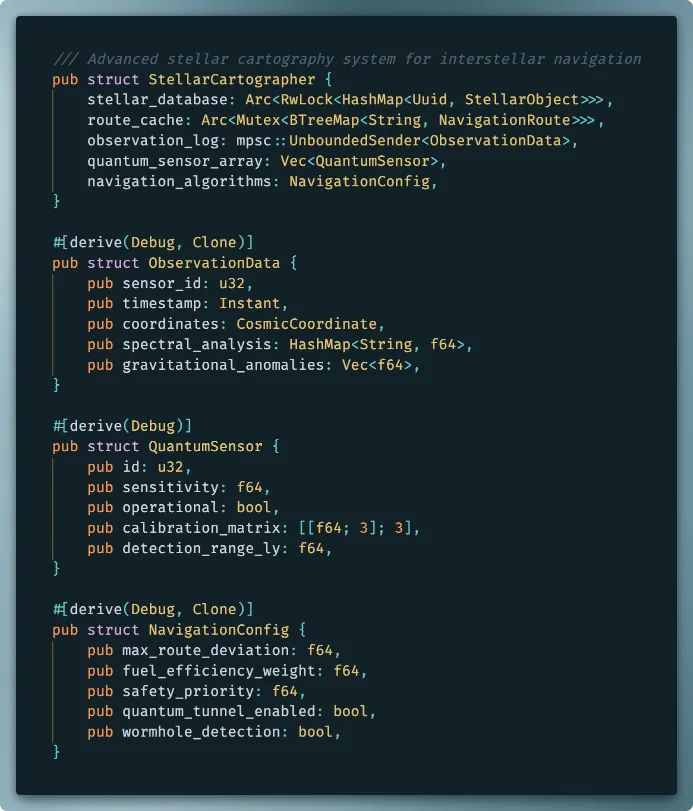
markdown